Skip to content
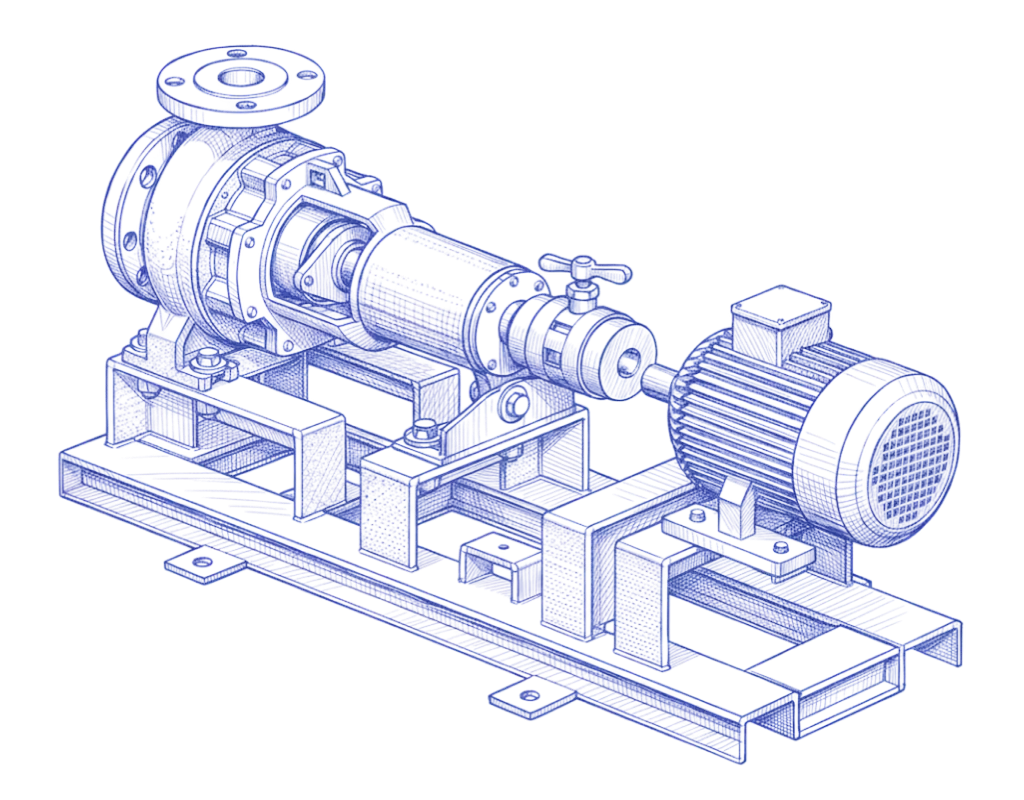
Blue technical illustration of an industrial pump and motor assembly

Automation that Connects Engineering to Manufacturing

BuildOS keeps your PLM, MES, and ERP speaking the same language—one living model where changing the design or the process updates everything downstream automatically.

From intent to execution

How BuildOS works

Five steps from CAD to the factory floor. Design intent becomes production-ready execution: cleanly, completely, without translation loss.

Contact sales
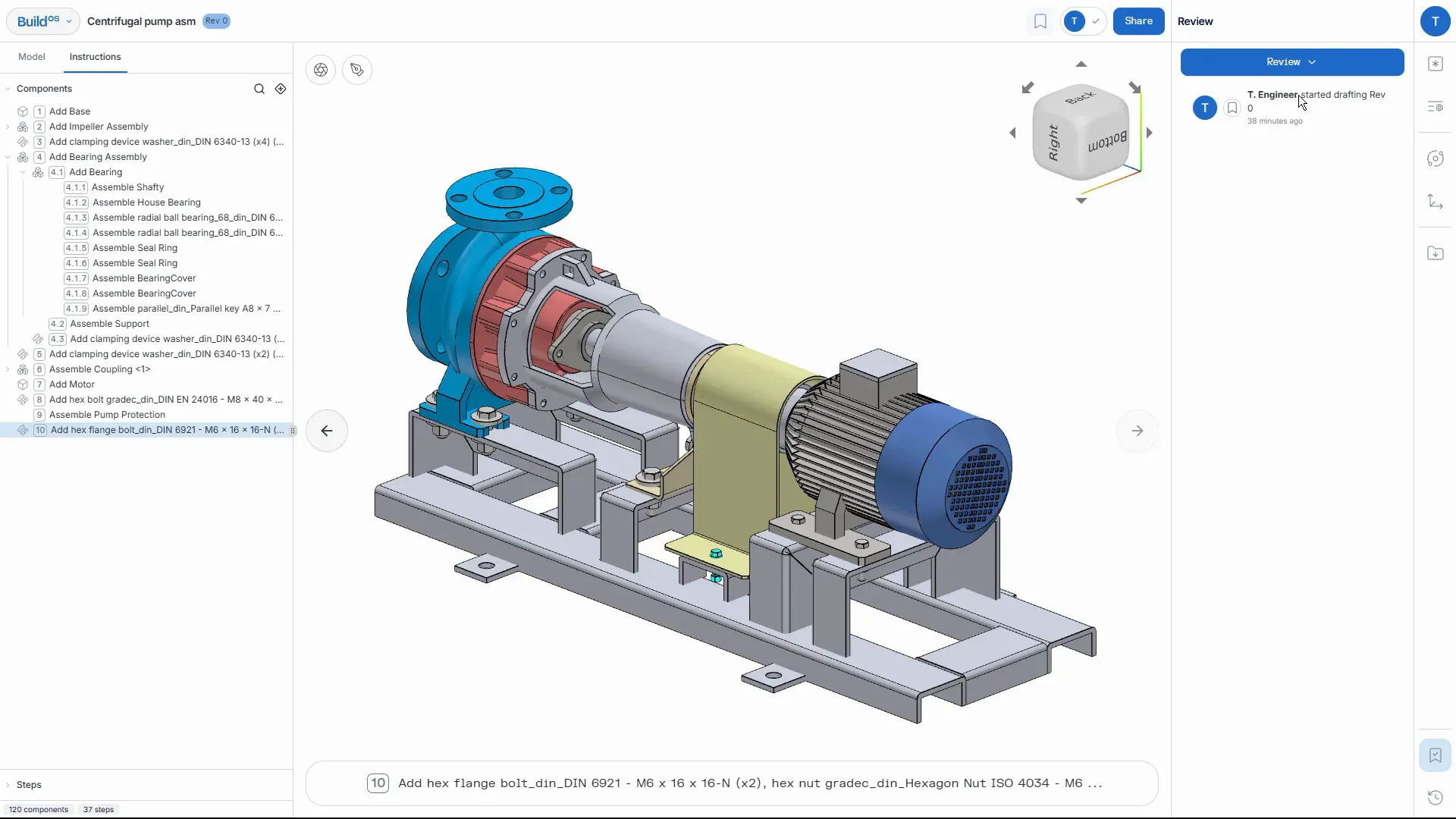
BuildOS peer review screen showing a centrifugal pump assembly with a review panel

Upload CAD

Bring your design in however it lives today—drop in a CAD file or connect directly to your PLM.

1/500:00/00:00
  • Supports standard formats like STEP, SLDASM, and JT—loads the model and bill of materials, opens in an interactive viewer, and preserves CAD hierarchy or suggests a recommended assembly order
  • Connect to your PLM and BuildOS is notified the moment a new product or engineering change (ECN) is released, then pulls it in automatically
  • Maps each new or changed design onto your existing process, so revisions reuse the work you've already done instead of starting over

No setup required—just drop in the file or point BuildOS at your PLM, and one living build stays in sync with every change.
Virtual Build Workflow

The Virtual Build Workflow turns raw CAD into a complete, living manufacturing model.

2/500:00/00:00
  • Auto-sequences the assembly and flags collisions before they reach the floor
  • Condenses repetitive steps into clusters, kits, and combinations, and identifies logical subassemblies from part relationships
  • Builds the manufacturing BOM (MBOM)—consumables (adhesives, greases) and wires (kits & harnesses, usage + wastage)
  • Animations stay in sync with any structural change you make

This is where your CAD becomes a living build plan—a single source of truth that stays current as the design or process changes.

Review Build Process & Requirements

Review the full build process and every requirement in one place.

3/500:00/00:00
  • Lay out the bill of process (BOP)—routings, steps & operations, and data collection points
  • Attach specifications on the 3D model: PMI, bill of characteristics, and standard notes
  • Add notes, images, tools, and fixtures, and capture the tribal knowledge behind each step
  • Initiate engineering change (ECN) when something needs to move; BuildOS auto-applies past associations when parts reappear

Over time, your process and requirements get faster to build, smarter with every use, and always current as the model changes.

Review Work Instructions, Flow and Routings

Review the work instructions, line flow, and routings—then sign off with confidence.

4/5
  • Step through work instructions with 3D animated execution, exactly as operators will see them
  • Check line balancing and workcenter allocation against the routings
  • Create drafts, request reviews, and manage sign-offs—share live with your team or suppliers
  • Everything stays versioned, traceable, and audit-ready—one source of truth your PLM and quality teams can trust

Push and Stay in Sync with the Other Systems

Move the approved process straight to the line—no exports, no rekeying.

5/500:00/00:00
  • Enable 3D animated work instructions on the floor—operators follow along on the model and log cycle times
  • Collect execution data and shop-floor feedback—errors, suggestions, and observations—tied to work orders, serial numbers, or lots
  • Analyze actual cycle times against your standard times to surface variance and drive continuous improvement

Monitor everything in the Runs Dashboard—performance, variance to standard, and feedback in one place, kept in sync with your MES and ERP.

Built for serious manufacturers.

If the Build in your factory lives in brains, not bits, BuildOS was made for you.

Learn more

BuildOS accelerates Organizations that:

  • Make a lot of products

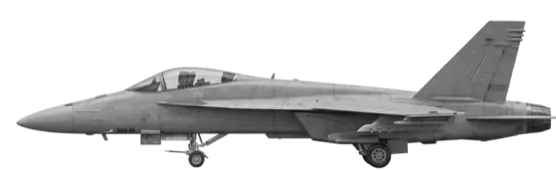
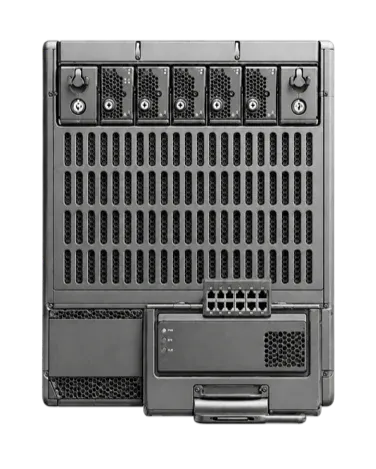
  • Make products with a lot of parts

  • Iterate on previous designs, again and again

  • Run many variants of the same core products

Industries

Mobility

Coming soon

Contact

See the Dirac Platform in Action.Fill out the form and we’ll reach out.

Direct contact

contact@diracinc.com

Address

350 5th Ave Ste 4720
New York, NY 10118

Dirac